Category Performance
Use this page to see which product categories bring in the most sales. It's a section of the Sales Report, not a report of its own.
Quick steps
- Click Reports in the top menu, then Sales Report. It opens on the Overview tab.
- Pick a date range — tap Today, This Week, This Month and so on, or set Start Date and End Date and click Filter.
- Scroll down to Category Performance, just below Brand Performance.
- Read the donut chart and table: Net sales (before tax) per category and each one's Revenue % of the total. Click a column heading to re-sort.
Common questions
Why don't I see my subcategories? Sales roll up to the top-level category. "Hash" inside "Flower" counts toward "Flower".
Is this before or after tax? Before tax, after every discount, less returns.
Can I filter it by cashier or payment type? No. It follows the report's dates (and the Store or Revenue Center filter when your store has one), but not the transaction filters lower on the page.
More detail: finding the section
Accessing Category Performance Data
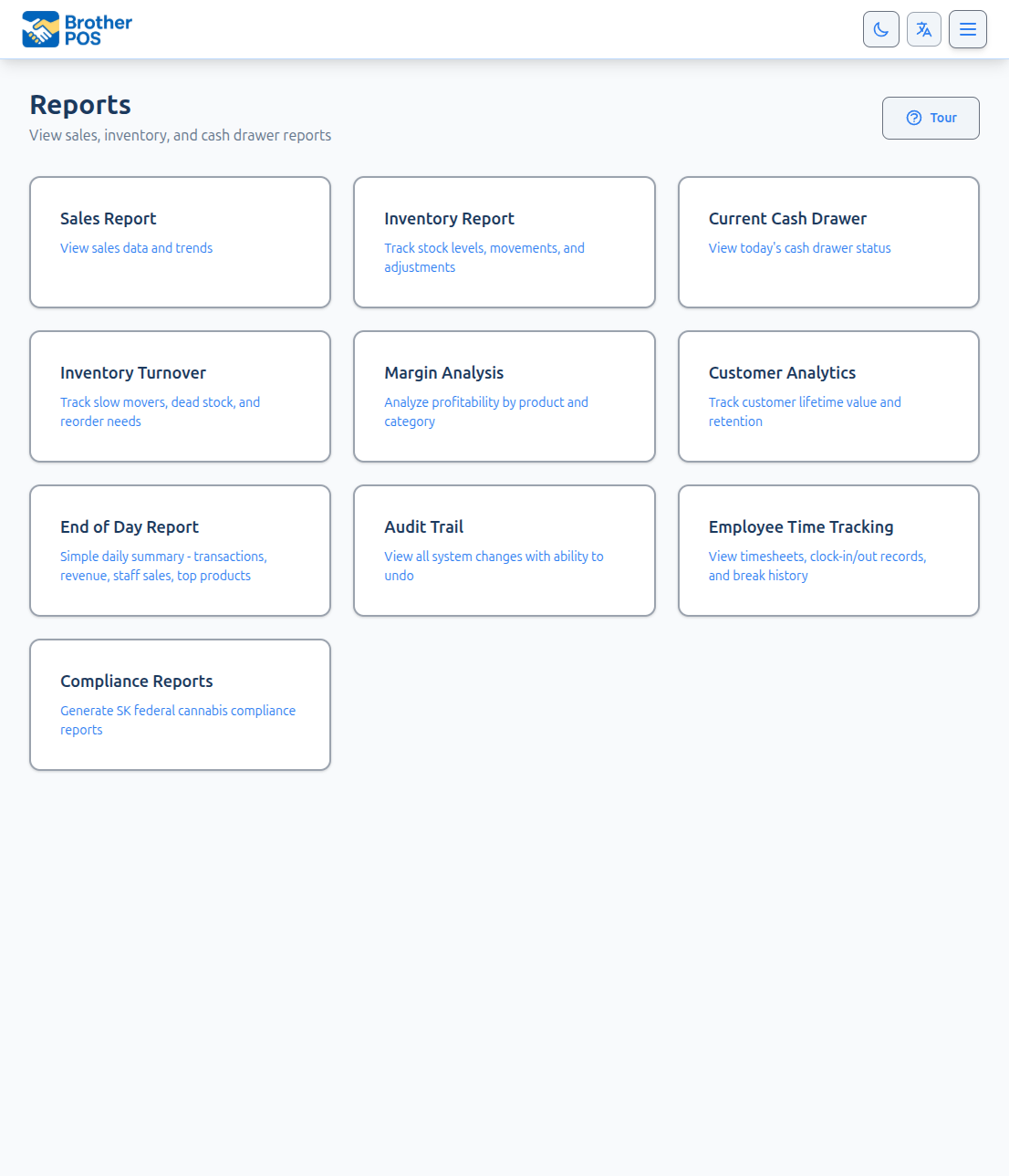
- Log in to the Admin Panel.
- Click Reports in the top navigation bar.
- Click Sales Report.
- Scroll down to the Category Performance section, just below Brand Performance.
The section follows the Sales Report's own date range, and its Store and Revenue Center filters when those appear. The transaction filters at the bottom of the Sales Report (payment, cashier and so on) do not change it.
More detail: what the section shows
What the Section Shows
The section appears when the period has completed sales of products. It starts with a donut chart of net sales by category, followed by a table:
| Column | What It Shows |
|---|---|
| Category | The top-level product category. |
| Net sales | What was charged for products in this category after every discount (including their share of any discount taken off the whole order), less returns, before tax. |
| Items Sold | Number of sale lines for products in this category. |
| Sales | Number of transactions that included products in this category. |
| Avg Sale Value | Category net sales divided by the number of those transactions. |
| Revenue % | This category's share of the net sales across all categories in the table. |
Rows are sorted by revenue, highest first, and you can click a column header to re-sort.
Only completed sales count, and voided lines are left out. Sales of a product you have since deleted still count toward its category.
Sales are grouped under the top-level category. A product filed under a subcategory (for example "Hash" inside "Flower") counts toward its top-level parent ("Flower"), so the chart shows clean, non-overlapping slices. If a product sits in more than one category, it counts once, under its primary category. A variation counts under its main product's category. Products with no category are grouped under Uncategorized. The Sales Report — Profit tab report groups categories the same way, so the two agree.
Example:
| Category | Revenue | Revenue % |
|---|---|---|
| Flower | $45,000 | 52% |
| Edibles | $18,000 | 21% |
| Pre-Rolls | $12,000 | 14% |
| Accessories | $7,000 | 8% |
| Concentrates | $4,500 | 5% |
In this example, Flower and Edibles together account for 73% of revenue.
More detail: using category data for decisions
Using Category Data for Decisions
Shelf Space Allocation
Categories with high revenue deserve the most prominent shelf space and the widest product selection. Categories with low revenue should be evaluated for reduction.
Purchasing Priorities
When allocating your purchasing budget:
- Ensure your top 3-4 categories are fully stocked.
- Consider reducing purchase orders for underperforming categories.
- Test new products in high-performing categories before low-performing ones.
Staff Training
Identify your highest-revenue categories and train your staff to recommend products in those categories when appropriate.
In many retail stores, most revenue comes from a small number of categories. Use this data to identify your core categories and make sure they are well-stocked, well-priced, and well-merchandised.
Related Reports
For deeper analysis beyond the category section in the Sales Report:
- Sales Report — Profit tab — Drill into individual product margins and see category-level margin summaries.
- Inventory — Turnover tab — See how fast stock moves, with a turnover table by category.
- Sales Reports — View the overall sales picture with payment breakdowns.